
The rise of online learning has transformed the way we acquire knowledge, making it more accessible to people all over the world. In 2025, launching a free online course is an exciting opportunity to share your expertise and connect with a global audience.
Whether you’re an expert in a specific field, a passionate hobbyist, or someone eager to teach, creating an online course can help you make a lasting impact.
Thanks to modern platforms and tools, building and launching a course is now easier than ever, even for those with little to no technical experience.
These platforms offer user-friendly interfaces, customizable features, and the ability to engage with learners in meaningful ways.
Whether you’re focused on teaching a niche subject or offering a general skill, you have the power to create valuable content that caters to various learning styles.
This guide will walk you through each step of launching your free online course, from defining your course idea to selecting the right platform and marketing it effectively.
With the right approach and tools, you can create an engaging and impactful learning experience that not only helps your students grow but also establishes you as an authority in your field.
1. Define Your Course Idea and Audience
Before diving into course creation, it’s essential to pinpoint your course’s focus and target audience. Ask yourself:
- What knowledge or skills can I offer?
- Who would benefit most from this course?
- What problems can I solve for my audience?
Understanding your niche will help in crafting content that resonates with learners.
2. Choose the Right Platform
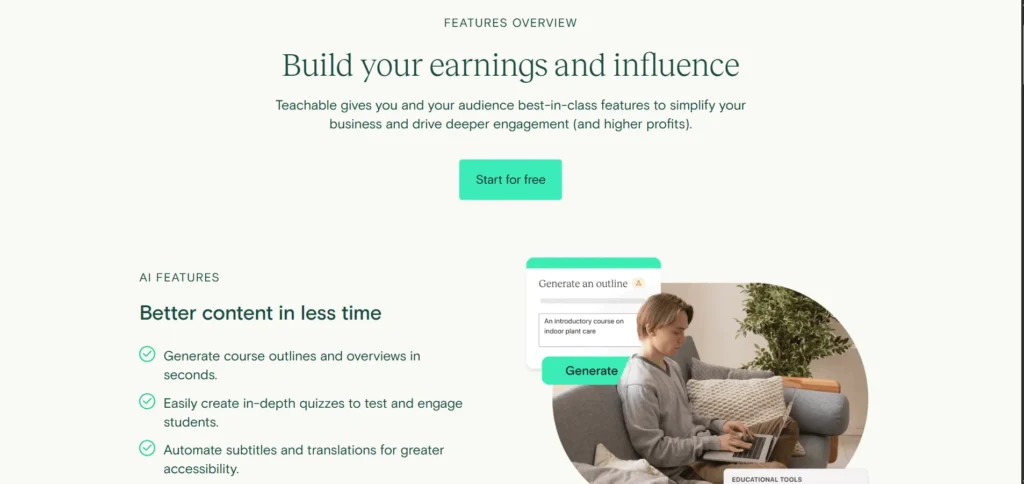
Selecting a platform to host your course is crucial. Here are some top free options:
- Teachable: Offers a free plan allowing you to create and sell courses. It’s user-friendly and doesn’t require coding skills.
- Thinkific: Provides a free plan with features like quizzes and surveys, ideal for interactive courses.
- Moodle: An open-source platform suitable for educators looking for customization and control over their content.
- WordPress with LMS Plugins: Using plugins like Tutor LMS or LearnPress, you can create a fully functional course site without upfront costs.
Each platform has its strengths, so choose one that aligns with your technical comfort level and course requirements.
3. Plan Your Course Content
Effective courses are well-structured and engaging. Consider the following steps:
- Outline Modules: Break down your content into manageable sections or modules.
- Create Diverse Content: Incorporate videos, readings, quizzes, and assignments to cater to different learning styles.
- Set Clear Learning Outcomes: Define what students will achieve by the end of the course.
Remember, clarity and progression are key to keeping learners engaged.
4. Develop the Course Materials
With your plan in place, start creating the course materials:
- Videos: Use tools like OBS Studio or Loom for recording lectures.
- Documents: Google Docs or Canva can help in creating visually appealing PDFs.
- Assessments: Platforms like Google Forms or the built-in quiz features of your chosen LMS can facilitate assessments.
Ensure your materials are high-quality and accessible to all learners.
5. Set Up Your Course Website
Your course website serves as the front door to your content. Here’s how to set it up:
- Choose a Domain: Platforms like WordPress or Wix offer domain services.
- Design the Site: Use templates provided by your platform or design tools to create an attractive site.
- Integrate Course Features: Ensure your site includes course descriptions, sign-up forms, and payment options (if applicable).
A professional-looking site builds trust and encourages enrollment.
6. Market Your Course

Even a great course needs visibility. Implement these marketing strategies:
- Social Media: Share teasers, testimonials, and behind-the-scenes content on platforms like Instagram, LinkedIn, and Facebook.
- Email Marketing: Build an email list and send regular updates and valuable content to your subscribers.
- Collaborations: Partner with influencers or other educators in your niche to expand your reach.
Consistent and authentic marketing helps in building a community around your course.
7. Launch Your Course
The launch is your opportunity to make a strong first impression:
- Pre-Launch: Generate excitement by sharing sneak peeks and countdowns.
- Launch Day: Offer limited-time bonuses or discounts to encourage sign-ups.
- Post-Launch: Collect feedback and testimonials to improve future courses.
A well-executed launch can set the tone for your course’s success.
8. Engage with Your Learners
Building a relationship with your students enhances their learning experience:
- Discussion Forums: Platforms like Discord or the built-in forums of your LMS can facilitate community building.
- Live Sessions: Host Q&A sessions or webinars to address learner queries.
- Feedback: Regularly ask for feedback to improve your course content and delivery.
Engaged learners are more likely to complete your course and recommend it to others.
9. Monitor and Improve
After your course is live, continuously monitor its performance:
- Analytics: Use tools provided by your platform to track enrollment numbers, completion rates, and learner engagement.
- Updates: Regularly update your course content to keep it relevant.
- Community: Foster a community where learners can share experiences and support each other.
Continuous improvement ensures your course remains valuable and effective.
10. Monetize (Optional)
While your course is free, you might consider monetization options in the future:
- Certifications: Offer certificates for a fee.
- Premium Content: Provide advanced modules or one-on-one coaching for a charge.
- Donations: Platforms like Patreon allow supporters to contribute.
Choose a monetization strategy that aligns with your goals and audience.
Reviews of Free Online Course Platforms
Teachable
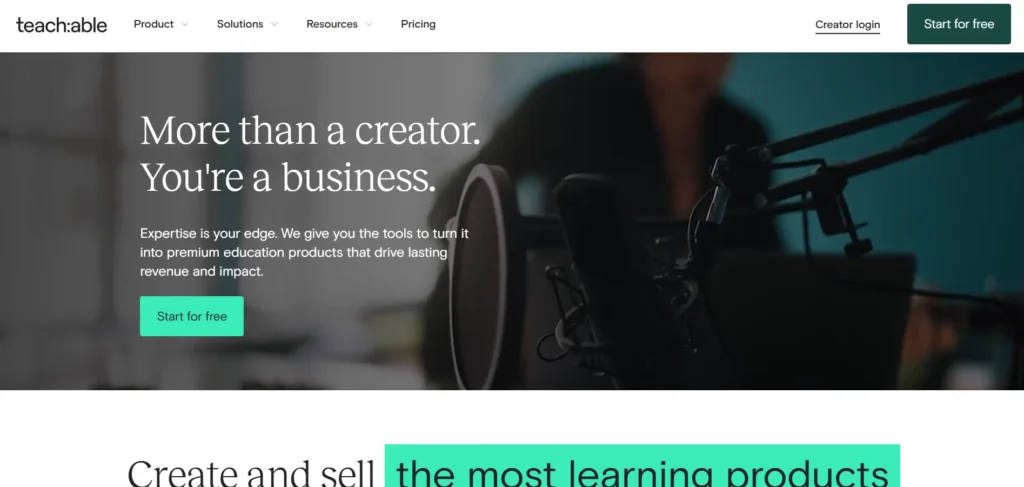
Teachable’s free plan is ideal for beginners. It offers a user-friendly interface and essential features like course creation tools and payment gateways. However, it charges transaction fees, which can add up as your course grows.
Thinkific
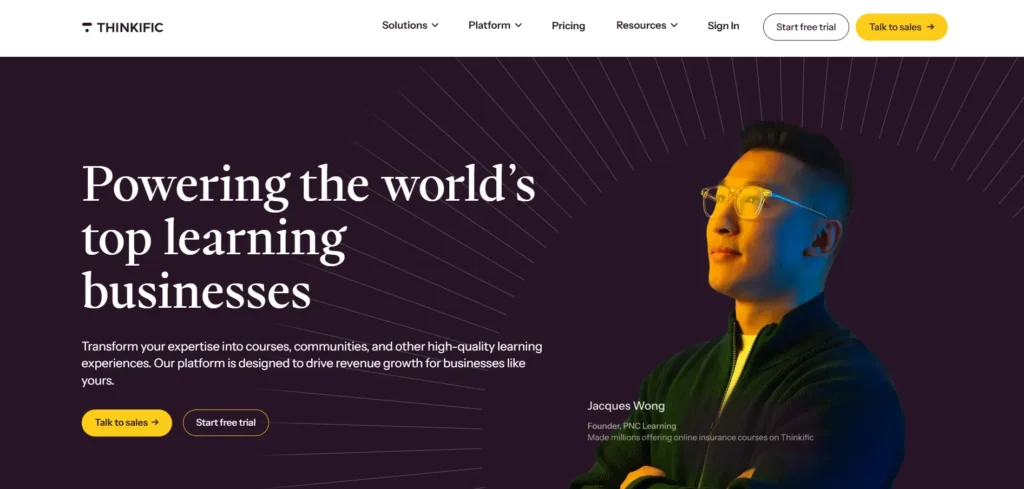
Thinkific’s free plan is robust, offering features like quizzes and surveys. It’s suitable for educators looking to create interactive courses. The platform’s limitations include fewer customization options compared to paid plans.
Moodle
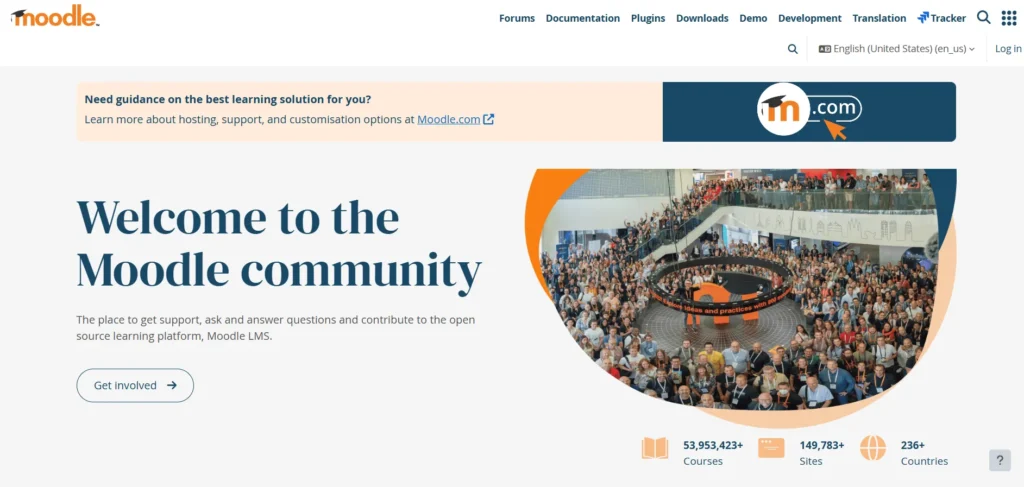
Moodle is a powerful open-source platform offering complete control over your course. It’s ideal for those with technical expertise but may have a steeper learning curve for beginners.
WordPress with LMS Plugins
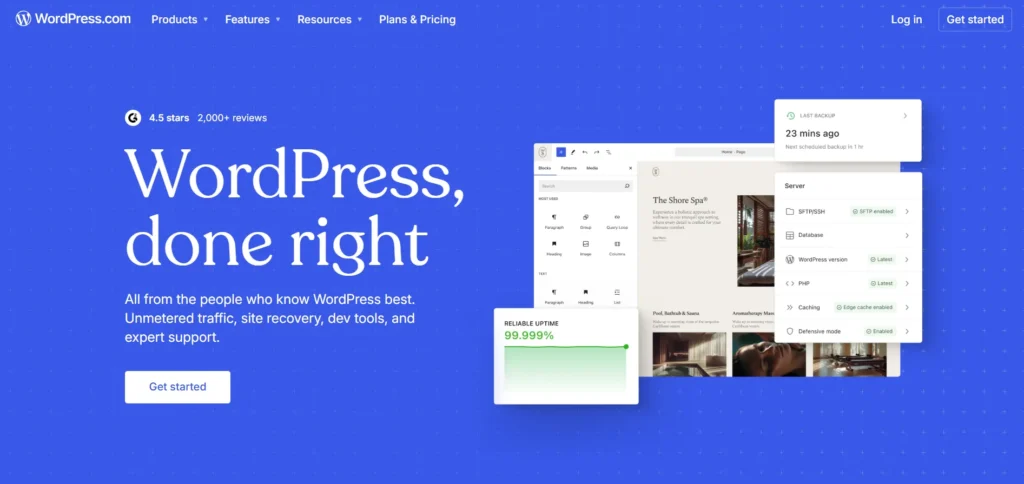
Using WordPress with LMS plugins like Tutor LMS or LearnPress allows for extensive customization. It’s cost-effective but requires some technical know-how to set up and maintain.
Final Thoughts
Launching a free online course in 2025 is a fantastic way to share your expertise, build a community, and even grow your personal brand.
The tools and platforms available today make it easier than ever to create professional-quality content without needing a hefty budget or advanced technical skills.
Whether you’re a seasoned educator or a passionate individual with a skill to teach, the steps to launch a course are straightforward and accessible.
The key to success lies in delivering value. Focus on providing clear, engaging, and well-structured content that meets the needs of your audience.
Planning your course thoughtfully, choosing the right platform, and ensuring your content is interactive and easy to follow will keep learners motivated and coming back for more.
Additionally, marketing and community engagement are essential. You need to actively promote your course through social media, email campaigns, and partnerships, while also fostering a supportive community that encourages feedback and interaction.
This builds loyalty and trust, making learners more likely to complete your course and recommend it to others.
Finally, always be open to improvement. Track your course’s performance, listen to feedback, and make updates where necessary.
In 2025, creating a free online course is not just about imparting knowledge; it’s about creating an enriching experience for your learners. With dedication and the right tools, your course can stand out and help others learn, grow, and succeed.
FAQs
Do I need technical skills to create an online course?
No, many platforms offer user-friendly interfaces that don’t require coding skills.
Can I offer certificates for free courses?
Yes, some platforms allow you to issue certificates at no cost, while others may charge a fee.
How do I promote my free course?
Utilize social media, email marketing, and collaborations with influencers or other educators.
Can I monetize my course later?
Yes, you can introduce monetization options like certifications or premium content after your course gains traction.
What are the best platforms for beginners?
Teachable and Thinkific offer intuitive interfaces and are suitable for those new to course creation.