
Creating an online course is a rewarding and impactful way to share knowledge with others. Whether you’re a seasoned educator, an expert in a specific field, or an entrepreneur, creating and selling online courses offers a fantastic opportunity.
But the process of building a course from scratch can feel overwhelming. You need to plan the structure, create engagingcontent, design interactive elements, and then market your course to the right audience.
With the rise of artificial intelligence (AI) in recent years, course creation is being transformed. AI tools can help you streamline the course-building process, enhance content delivery, and even personalize the learning experience for your students.
From brainstorming ideas to managing administrative tasks, AI can be a valuable tool in making your course creation process more efficient and effective.
In this article, we’ll explore how you can create an online course with the help of AI. We’ll cover 10 practical ways to leverage AI tools to create engaging, professional, and high-quality courses that your audience will love.
1. Brainstorm Course Ideas with AI
The first step in creating an online course is coming up with a compelling idea. The topic should be something that resonates with your audience, addresses their needs, and is interesting enough to keep them engaged throughout the course.
However, figuring out a profitable course idea isn’t always easy. This is where AI can help.
How AI Helps
AI tools can help you brainstorm course ideas based on trending topics, popular subjects, and niche areas that are gaining interest.
By feeding AI tools with keywords related to your expertise or industry, you can quickly generate a list of course topics that are highly relevant and in demand.
Tools You Can Use:
- ChatGPT: By providing a prompt like, “Suggest course topics on digital marketing for beginners,” you can instantly receive a list of ideas that are both innovative and relevant.
- CourseAI: This AI tool analyzes current course trends and suggests potential topics based on user preferences, ensuring that the ideas are tailored to a specific audience.
Not only do these tools help generate ideas, but they can also provide insights into gaps in the market, allowing you to create a course that is in high demand but with less competition.
2. Develop Detailed Course Outlines
Once you have your course idea, it’s time to start organizing it into a comprehensive outline. A well-structured course is essential for keeping learners engaged and ensuring they absorb the material effectively.
However, structuring your course can be a daunting task, especially if you have a lot of content to cover. AI can help streamline this process.
How AI Helps:
AI tools can create course outlines by analyzing your course topic and breaking it down into modules, lessons, and key points.
These tools can also help you ensure that all essential topics are covered, reducing the risk of leaving out important information.
Tools You Can Use:
- LearningStudioAI: This tool helps generate course outlines by inputting the main theme of your course. It organizes your ideas logically, providing a well-structured flow for the entire course.
- Coursebox: Using AI-assisted course design, Coursebox helps you create detailed outlines, helping you avoid repetitive content and covering the right topics in the right order.
A detailed course outline serves as your roadmap, keeping you on track during content creation. With AI, you can develop outlines more quickly and efficiently, ensuring a balanced approach to lesson development.
3. Create Engaging Course Content
Once you have your course outline ready, the next step is to create the content itself. Writing compelling, engaging, and informative content for an online course can be time-consuming and challenging. But AI can help speed up the process.
How AI Helps:
AI writing assistants can generate text based on specific prompts, which can be used as lesson scripts or content summaries.
AI can also suggest improvements to the content, ensuring it’s clear, engaging, and easy to understand. This allows you to focus more on the subject matter and less on writing long drafts.
Tools You Can Use:
- ChatGPT: A versatile tool for drafting lesson scripts and summaries. You can use it to write content in the tone and style that suits your course.
- Grammarly: While primarily a grammar-checking tool, Grammarly’s AI-powered suggestions can help make your content more engaging and readable.
AI can also help with content organization, suggesting the most effective ways to break down complex topics and present them clearly. This ensures that your learners will have a smooth and logical experience.
4. Design Visuals and Presentations
Visuals play a crucial role in keeping learners engaged. Slides, images, infographics, and charts help make the material more accessible and visually appealing.
But not everyone is a graphic designer, and designing presentations from scratch can be a time-consuming task. Fortunately, AI can assist with this process as well.
How AI Helps:
AI-powered design tools can create high-quality visuals, slides, and infographics based on your content. These tools are user-friendly and can generate designs in just a few clicks, allowing you to focus more on content creation rather than worrying about design.
Tools You Can Use:
- Canva: Canva’s Magic Write and AI-powered design tools can help you generate stunning presentations, slides, and infographics without needing any design experience.
- Visme: Visme offers AI-generated templates that can automatically adapt to your course content, providing an aesthetically pleasing and professional look to your course.
Visuals are an essential part of course design. With AI tools, you can quickly create engaging and relevant visuals to complement your course material.
5. Create Interactive Quizzes and Assessments
Quizzes and assessments are key to gauging learners’ understanding and keeping them motivated throughout the course.
Creating quizzes manually can be time-consuming, especially if you have to come up with relevant questions and answers for each lesson. AI tools can help automate this process.
How AI Helps:
AI can generate quizzes and assessments based on your course content. These tools can create multiple-choice questions, true/false questions, and even short-answer prompts that align with your lessons, saving you time and ensuring that the quizzes are relevant and effective.
Tools You Can Use:
- Quizlet: AI helps create quizzes and flashcards quickly based on the course content, making it easier to assess learners’ progress.
- Coursebox: Coursebox features an AI-powered Quiz Generator that creates custom quizzes and assessments for your course, ensuring that your quizzes are both challenging and engaging.
AI tools can even analyze the results of assessments, helping you identify which areas your learners are struggling with, so you can adjust the content as needed.
6. Develop AI-Powered Chatbots for Learner Support
Offering real-time assistance can significantly improve the learning experience. However, managing support for hundreds or thousands of students can be overwhelming.
AI-powered chatbots can provide learners with instant help, answering their questions and guiding them through course materials.
How AI Helps:
AI chatbots can be trained to answer frequently asked questions, provide course recommendations, and assist learners with technical issues. This means that learners can get the help they need instantly, without having to wait for you to reply.
Tools You Can Use:
- Intercom: AI-powered chatbots can assist learners in navigating your course, providing real-time feedback and answering questions as they arise.
- Coursebox: Coursebox features an integrated AI chatbot that can provide support to learners at any stage of the course.
AI chatbots ensure that learners have a smooth experience, even without direct intervention from you. This saves time and increases learner satisfaction.
7. Automate Administrative Tasks
Managing administrative tasks such as student enrollment, progress tracking, and communication can be time-consuming. AI tools can automate many of these tasks, allowing you to focus on content creation and student interaction.
How AI Helps:
AI can automate tasks like sending welcome emails, reminders for upcoming lessons, and notifications for course milestones.
It can also track student progress, providing valuable insights into how learners are performing and whether they need additional support.
Tools You Can Use:
- Teachable: This platform offers AI-driven tools that automate email marketing, student progress tracking, and course updates.
- Kajabi: Kajabi’s automation features help manage student enrollment and engagement, saving you valuable time.
Automation tools make the administrative side of course creation much easier, allowing you to maintain a high level of efficiency without being overwhelmed.
8. Personalize Learning Experiences
Personalization increases learner engagement and satisfaction. AI can help you deliver a tailored learning experience to each student by adapting course content based on their progress and preferences.
How AI Helps:
AI tools can track each learner’s progress and adjust the course material to suit their individual needs.
If a learner is struggling with a particular topic, the AI can recommend additional resources or adjust the content to better fit their learning style.
Tools You Can Use:
- Duolingo: AI personalizes language learning by adjusting difficulty levels based on the learner’s performance.
- Coursebox: Offers AI-driven customization options that allow you to personalize the learning path for each student.
With AI, you can create a learning experience that is as unique as each of your students, helping them succeed at their own pace.
9. Enhance Course Marketing with AI
Marketing your course is essential to its success, but it can be challenging to know where to start. AI can help automate marketing efforts, optimize campaigns, and create compelling marketing content.
How AI Helps:
AI can analyze data to optimize ad campaigns, suggest keywords for SEO, and generate engaging email and social media copy. It can also track customer behavior and suggest the best strategies for increasing course sales.
Tools You Can Use:
- AdEspresso: This AI tool helps optimize Facebook and Google ad campaigns, ensuring your marketing efforts are as effective as possible.
- Canva: Canva’s AI tools help you create eye-catching graphics for social media ads, email campaigns, and promotional materials.
AI makes it easier to reach your target audience and increase your course sales by optimizing marketing strategies and content.
10. Gather Feedback and Improve Courses
Once your course is live, it’s essential to gather feedback to improve the content and delivery. AI tools can help analyze learner feedback and performance data to provide valuable insights into how your course is performing.
How AI Helps:
AI tools can process learner feedback, analyze quiz and assessment results, and identify trends in learner performance.
This data can help you make informed decisions about where to improve the course and which areas may need more focus.
Tools You Can Use:
- SurveyMonkey: AI tools within SurveyMonkey help analyze feedback and identify patterns that can be used to enhance your course.
- LearningStudioAI: Provides analytics and insights that allow you to track learner progress and make necessary adjustments to course content.
By leveraging AI to gather feedback and make improvements, you can continuously enhance your course and ensure it stays relevant and effective for your learners.
Top Online Course Tools
When it comes to choosing the right platform for your online course business, there are several strong contenders in 2025. Here’s a breakdown of some of the top platforms to consider.
1. Thinkific
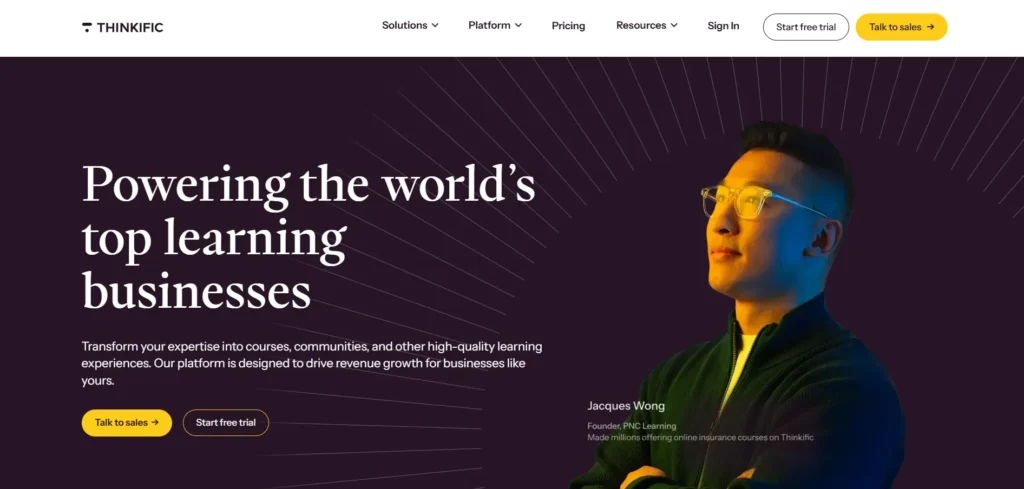
Thinkific is a leading platform known for its robust course creation tools and ease of use. It allows you to create a variety of content types, including video, quizzes, and assignments.
Thinkific also offers a strong suite of marketing tools, including automated email campaigns and integrations with popular platforms like Mailchimp and Zapier.
2. Teachable
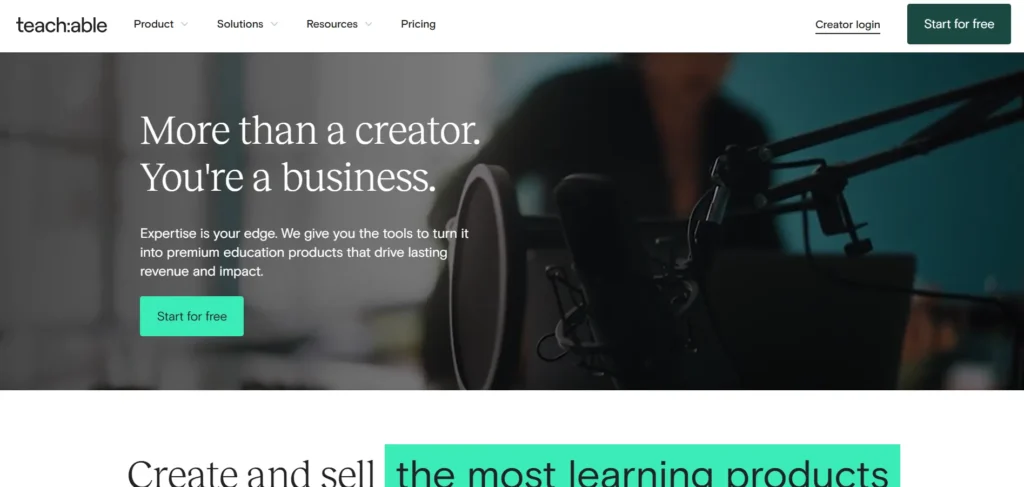
Teachable is another well-known name in the online course space. It’s user-friendly and allows you to easily create and sell courses.
The platform has a wide range of customization options, strong monetization features, and integrates seamlessly with third-party tools like PayPal and Stripe.
3. Kajabi

Kajabi is a powerful all-in-one platform for course creation, marketing, and sales. It provides advanced marketing tools like automated email sequences, landing pages, and sales funnels.
Kajabi is particularly great for creators who want an all-inclusive solution for selling and managing their courses.
4. LearnWorlds
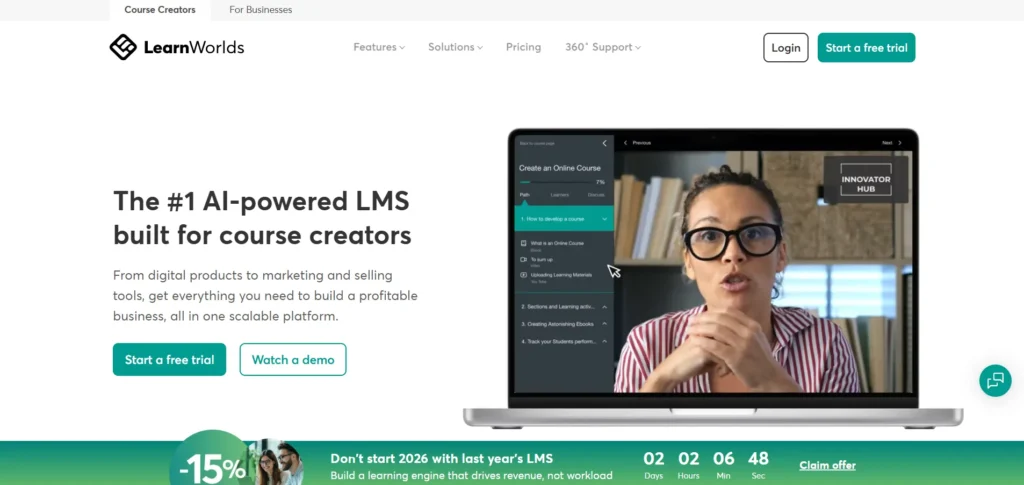
LearnWorlds stands out for its interactive features and advanced analytics. It’s designed to create highly engaging learning experiences with tools like video interactions and quizzes.
LearnWorlds also provides excellent branding options and is known for its user-friendly interface.
5. Kartra
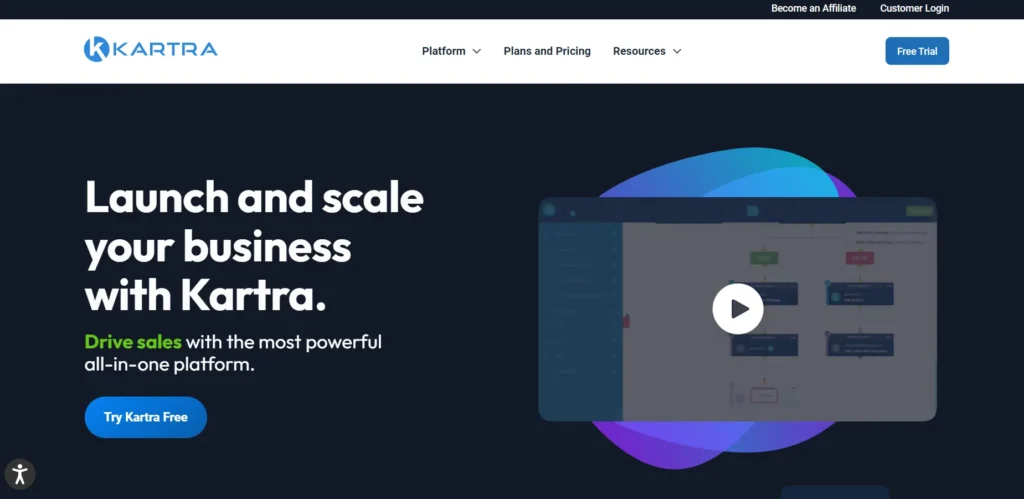
Kartra is a versatile platform that combines course creation with powerful marketing features. It provides an easy-to-use interface for building sales funnels, email marketing campaigns, and even membership sites.
Kartra is ideal for those who want a platform that combines both course creation and business management tools.
Conclusion
Creating an online course is a rewarding but challenging process. However, by using AI tools to streamline your workflow, you can save time, improve the quality of your content, and deliver a more personalized learning experience for your students.
From brainstorming ideas to marketing your course, AI offers powerful solutions to help course creators succeed.The key to using AI effectively in course creation is to see it as a tool that complements your expertise.
AI can help with tasks that are repetitive or time-consuming, giving you more freedom to focus on what matters most: delivering high-quality content that will help your students learn and grow.
By incorporating AI into your course creation process, you’ll not only save time but also enhance the learning experience, increase engagement, and ensure your course stands out in a crowded marketplace.
Whether you’re just getting started or looking to improve your existing courses, AI is a powerful resource that can help you every step of the way. Start exploring the AI tools available today and begin creating courses that will make a lasting impact.
FAQs
What is AI in course creation?
AI in course creation refers to the use of artificial intelligence tools to help streamline the process of designing, developing, and delivering online courses, making tasks like content generation, quizzes, and marketing more efficient.
How can AI help brainstorm course ideas?
AI tools can analyze current trends, keywords, and audience interests to generate course topic suggestions that are relevant and in-demand, saving time and effort in brainstorming ideas.
Can AI automate administrative tasks in course creation?
Yes, AI can automate tasks such as student enrollment, progress tracking, sending reminders, and managing communications, which helps course creators focus on content rather than logistics.
How can AI improve course personalization?
AI can adapt the course content based on each learner’s progress, adjusting difficulty levels, providing personalized feedback, and suggesting additional resources, enhancing the learning experience for individuals.
Is AI useful for course marketing?
Yes, AI can optimize marketing campaigns, generate ad copy, and analyze audience data to improve the reach and effectiveness of promotional efforts for your course.